Reduce Image Size and Free Image Resizer & Compressor Online
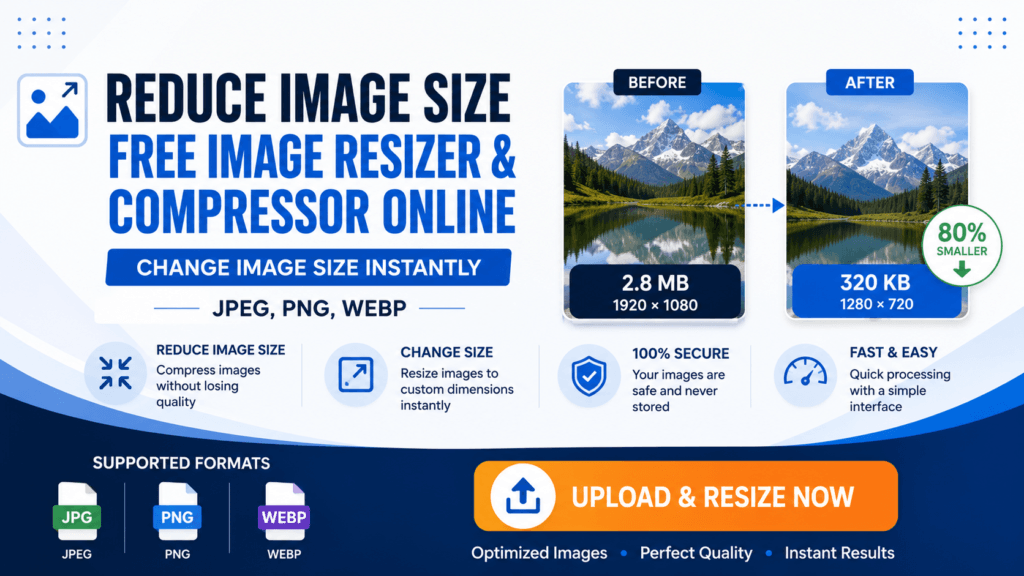
If you are looking for a simple and fast way to resize or compress your images, this tool can help you do it instantly without installing any software. You can upload any image, change its width and height, adjust quality, and download the optimized version within seconds. This tool works directly in your browser, so your images are not uploaded to any server, which makes it fast and safe to use.
Thank you for reading this post, don't forget to subscribe!Resize Image Size Without Losing Quality
Many people face the problem where resizing an image increases the file size or reduces the quality badly. In this tool, you can control both dimensions and quality at the same time. By adjusting the quality slider, you can reduce file size while keeping the image visually clear. It is especially useful for uploading images on websites, forms, or social media where size limits are strict.
How to Use This Image Resizer Tool
First, upload your image using the upload button. After uploading, you will see the original file size. Then you can change the width and height as per your requirement. If you want to keep proportions correct, keep the “Maintain Aspect Ratio” option enabled. After that, choose your preferred format and adjust the quality slider. The tool will instantly show the new file size and preview. Finally, click on download to save your resized image.
Which format is best for small size?
WEBP gives the smallest file size, JPEG is widely supported, and PNG is best for transparency.
Is this tool safe?
Yes, all processing happens in your browser, and your image is not uploaded anywhere.
Can I resize image without losing quality?
Yes, by adjusting quality and dimensions properly, you can maintain good image clarity.